 SEOAnything
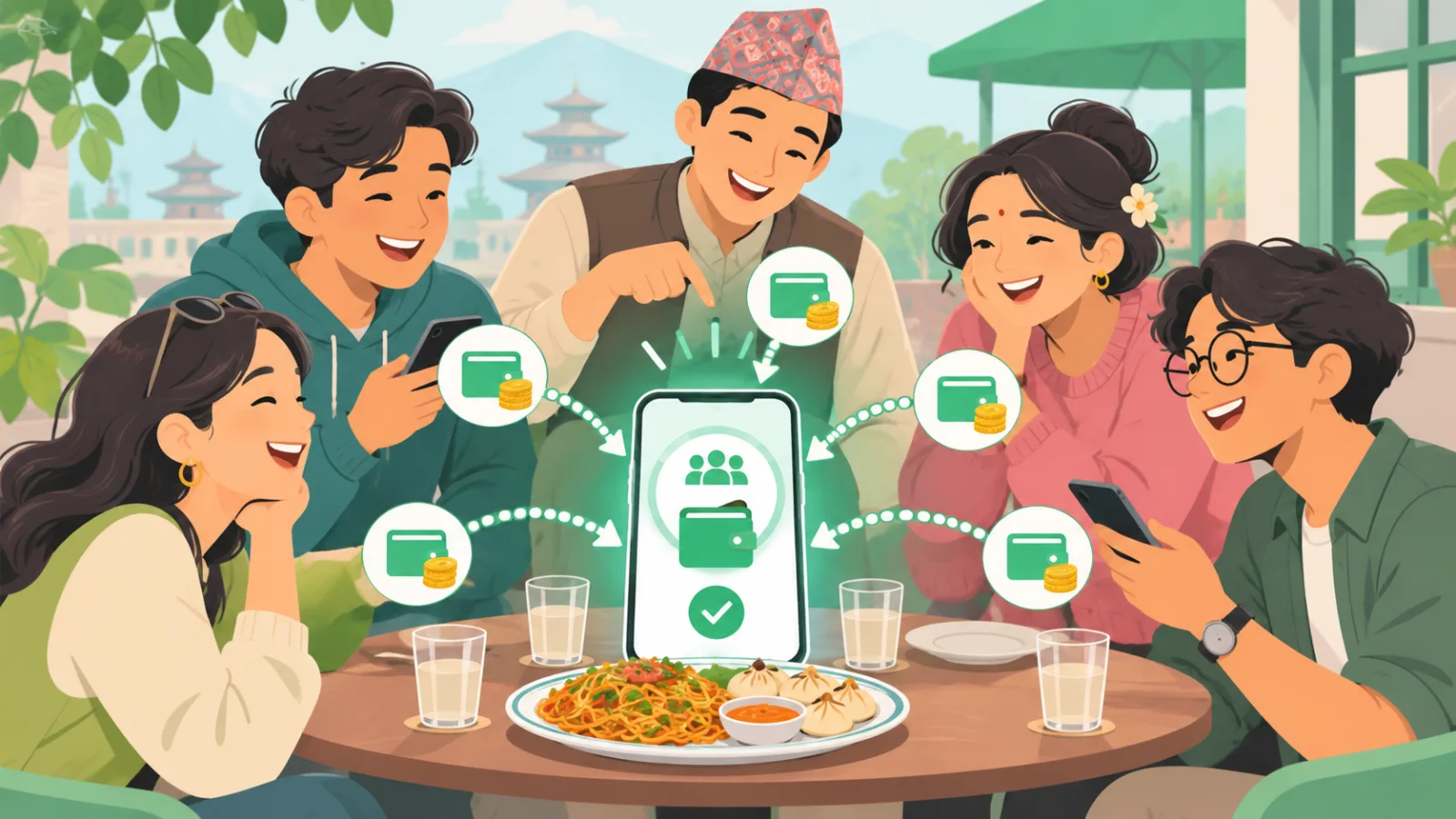
eSewa Circle helps friends split bills, send gifts and make payments within their circle. This guide explains the feature readers call Sathi Circle through an illustrative shared-trip example, then covers what to verify about usernames, Circle QR, payment status and removal before making changes.
What is eSewa Circle, also called Sathi Circle?
Circle is a social feature in the digital wallet app that helps friends and family split bills, keep track of shared expenses, and send money or gifts. In plain English, circle means your group of people sharing costs, such as friends on a trip or family members organising a celebration.
The developer’s App Store release notes for version 5.5.27 confirm three uses for the circle feature:
- Split bills for shared expenses.
- Send gifts to people within your circle.
- Make payments between friends in the group.
For example, after a group meal, bill splitting helps you organise how the cost is shared. Payments let friends settle their shares, while gifts serve a separate purpose, such as celebrating a birthday.
If you searched for Sathi Circle, this is the feature discussed here. That phrase is treated as reader terminology: the linked developer notes name the feature Circle and do not establish “Sathi Circle” as an official alternative name.
How splitting a shared-trip bill works
For a hypothetical trip costing NPR 8,000 shared equally by four friends, each person’s share is NPR 2,000. If one friend pays the whole bill upfront, the other three each owe that friend NPR 2,000; recording the expense is separate from completing those repayments.
Here’s the calculation for a trip with Asha, Bina, Milan and Rohan:
| Friend | Paid upfront | Equal share | Settlement needed |
|---|---|---|---|
| Asha | NPR 8,000 | NPR 2,000 | Receives NPR 6,000 |
| Bina | NPR 0 | NPR 2,000 | Pays Asha NPR 2,000 |
| Milan | NPR 0 | NPR 2,000 | Pays Asha NPR 2,000 |
| Rohan | NPR 0 | NPR 2,000 | Pays Asha NPR 2,000 |
Asha is the payer, while all four friends are participants. She is included in the split because she also took the trip. Her friends’ repayments reimburse the NPR 6,000 she covered for them, leaving her own cost at NPR 2,000.
Before splitting, agree on which costs belong in the shared total. A personal snack or souvenir should stay outside the NPR 8,000 unless everyone agrees to include it.
The official product announcement confirms that eSewa Circle supports group expense management and payments. However, it does not document the exact expense-entry fields or repayment-tracking controls for Sathi Circle.
Treat the expense record as the shared calculation, not proof of payment. Each friend should confirm that their transfer succeeded, and Asha should check receipt before considering that person’s balance settled. A pending or failed transfer leaves the repayment outstanding.
How to create or change a Circle username
To create a Circle username, follow the setup prompts shown in your app’s Circle area. Current public guidance does not confirm the exact setup screens, naming requirements, availability checks or whether you can change a username after saving it.
Your Circle username belongs to your social profile within eSewa Circle. Keep it separate from your wallet login identifier: the wallet’s official password-reset page identifies that as your registered mobile number or email.
Before saving a username:
- Read any naming requirements displayed beside the username field.
- Check any validation or availability message the app provides.
- Review the spelling carefully, since editing has not been verified.
Can you change an existing username? We could not verify a supported change option, a waiting period or a limit on changes. If you need a correction, contact customer support at csd@esewa.com.np to ask whether it is possible for your account.
What is Circle QR, and how do you use it?
Circle QR’s exact function needs in-app verification: the public guidance reviewed does not confirm whether scanning it adds a friend, opens a profile or starts a payment. It also does not establish how the code relates to your circle username, or confirm the current scan/share button labels.
For comparison, merchant QR codes are used to pay businesses through Scan and Pay. That payment guidance does not establish how Circle QR works.
When using a QR code, read the screen that opens before proceeding. Check the displayed recipient before confirming any payment, and verify the amount as well. If the details differ from the person you intended to pay, stop and check with them.
How to send money or gifts and check payment status
To send money through eSewa Circle, choose the intended recipient, enter the amount, review the details and complete the confirmation shown in your app. The official app release notes confirm support for gifts and payments between friends; exact controls need checking in the current version.
Use this checklist when sending through Sathi Circle:
- Check the recipient: Match the displayed identity to the person you intend to pay.
- Enter the amount: For bill settlement, check it against what you owe. A gift is a separate voluntary payment; don’t assume it clears a shared expense.
- Review the details: Check the recipient, amount and any fees or limits displayed before proceeding.
- Confirm in the app: Follow its authentication prompts.
The circle feature supports real-time sending, but delivery can take longer. After confirming, check the payment record and its displayed status before sending again. If the result is unclear, retain the transaction reference for support.
Circle not working? Checks to make before trying again
For a circle problem, first check your app version and internet connection, then identify whether the issue affects the feature, username, QR or payment status. Avoid repeated transfers while a payment’s status is unclear.
- Missing feature: Check your app store for an update, install it if available, then close and reopen the app. Confirm that your connection works. If Circle still does not appear, ask support to check availability for your account.
- Username rejection: Check your circle username for accidental spaces or typing errors. Follow any formatting instructions or availability message shown in the app; do not assume a rejected username means your account is blocked.
- QR failure: If your circle QR will not scan, check camera permissions in your phone settings. Clean the lens, improve the lighting and make sure the whole code is visible. If the code opens a payment screen, verify the recipient before proceeding.
- Pending payment: Review transaction history and check whether your balance was deducted. Keep the transaction reference and any error message. If the result remains unclear, contact eSewa support before sending again.
How to remove Circle without confusing it with wallet closure
For “circle kasari hataune” or “circle kasari delete garne,” first clarify what you want removed. Public guidance reviewed does not confirm removal steps for eSewa Circle, so contact support for the correct process.
These are four separate requests:
| Your goal | What to ask support |
|---|---|
| Remove a friend | Can I remove one connection, and how? |
| Leave a group | Is there a supported way to leave this expense group? |
| Disable Circle | Can I stop using the feature while keeping my wallet? |
| Close the wallet | What is the account-closure process? |
Wallet closure has its own documented procedure: it requires a written application or email request and verification, according to the official terms. Avoid requesting account closure when your goal concerns only Circle.
For help, email csd@esewa.com.np and describe which action you want. Include your app version and a screenshot of the relevant screen, with private details hidden.
Before proceeding, ask support to confirm whether the action affects wallet access, pending shared expenses, payment history or records visible to other members. Those effects remain unverified; do not assume that removing a connection also deletes shared records or settles an outstanding amount.
Before your next shared bill: a quick checklist
Start with one clearly agreed expense in eSewa Circle (Sathi Circle), and settle everyone’s share before anyone sends money.
Before paying, check these four things:
- Agree on shares: Confirm who owes what, including any unequal contributions.
- Check recipients: Review the intended recipient’s details and amount before confirming.
- Confirm payment status: Check the transaction record before marking a share as paid or trying again.
- Keep needed records: Save the bill and relevant payment references until everyone agrees the expense is settled.
This post was drafted with AI assistance and reviewed by the author.
FAQ
What does Circle mean in eSewa, and is it the same as Sathi Circle?
Circle is eSewa’s social feature for splitting bills, sending gifts and making payments among friends and family. Here, “circle” means the people you share costs with. “Sathi Circle” refers to the same feature in this article, but it is reader terminology; the cited developer notes call it Circle and do not confirm an official alternative name.
How does Circle help friends and family split bills and track shared expenses?
Circle helps groups organise shared expenses and work out what each person owes. For example, an NPR 8,000 trip split equally among four people costs NPR 2,000 each. If one person pays upfront, the other three repay that person. An expense record shows the calculation; everyone should separately confirm that repayments succeeded and were received.
Can I change my Circle username after creating it?
A supported way to change a saved Circle username has not been verified in the guidance cited by the article. Check the options and any restrictions displayed in your app, or ask eSewa support before making changes. When creating a username, review its spelling carefully and follow any naming or availability messages shown during setup.
What is Circle QR used for?
The supplied excerpt does not establish exactly what Circle QR does, so its purpose should be confirmed in the app or with eSewa support. Read the description beside the QR option before using it. If scanning it opens a payment screen, check the recipient and amount carefully before confirming any transfer.
What should I check if a Circle payment or gift is not showing?
Start by checking whether the transaction is marked successful, pending or failed, then ask the intended recipient to confirm receipt. A shared expense entry alone does not prove money was transferred. Check the recipient details and transaction record before trying again. If the result remains unclear, contact eSewa support with the transaction details.
Does removing Circle close my eSewa wallet or delete shared expense records?
The supplied excerpt does not confirm whether removing Circle affects your wallet or shared expense records. Do not assume that removing a social feature closes the wallet or preserves every record. Read the app’s removal notice carefully, save any records you need, and ask eSewa support to clarify the consequences before proceeding.
Comments 0
Join the conversation. Log in or create an account to like and comment.
Confirm your email to comment. The link is in your inbox.
No comments yet. Start the conversation.